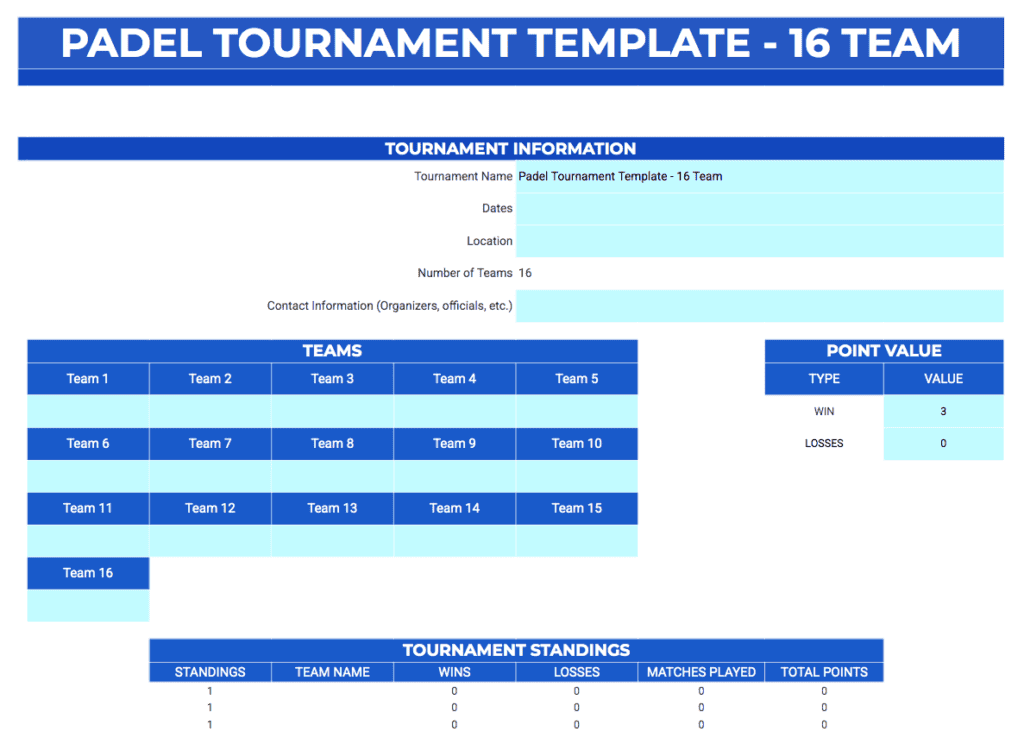
Introducing Padel Tournament Templates for Excel & Google Sheets
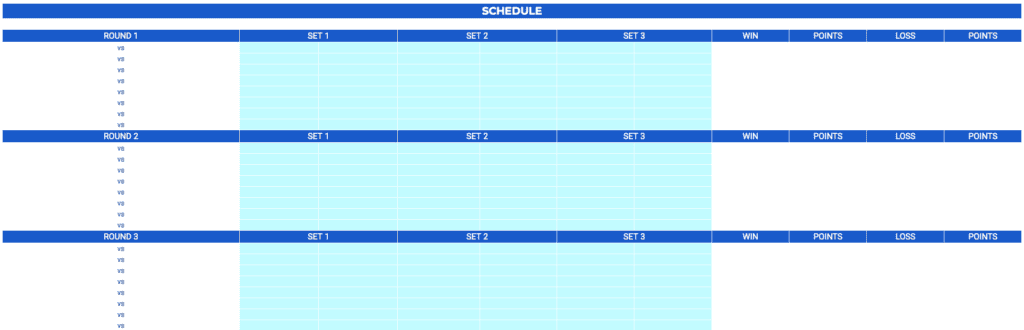
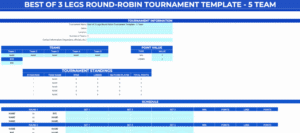
Padel Tennis is an electrifying emerging sport that inspires passion and innovation. That's why we proudly present our free downloadable tracking tools. This comprehensive resource is designed exclusively for padel enthusiasts and event organizers who appreciate the thrill of competition and the power of organization. With these templates, you can efficiently manage tournament brackets set up in a round-robin format, featuring three sets per match to ensure every game is precisely tracked.
How to Use Your Padel Templates
Using these templates is simple and straightforward. Follow these steps to get your tournament running in minutes:
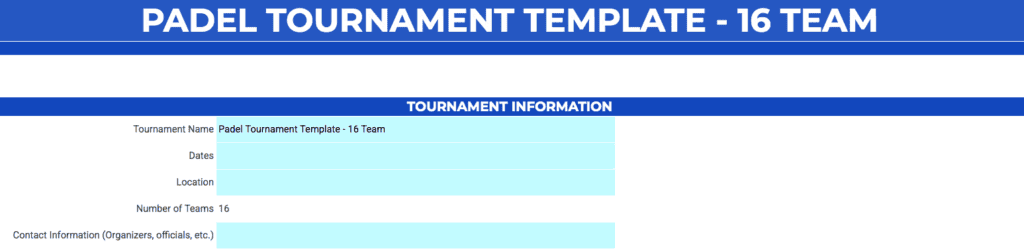
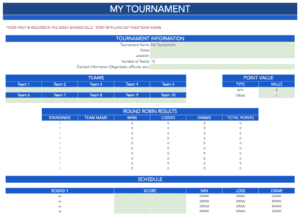
1. Enter Tournament Information: Fill out the light blue cells at the top with your tournament name, dates, and location. The rest of the data, including standings, will populate automatically.
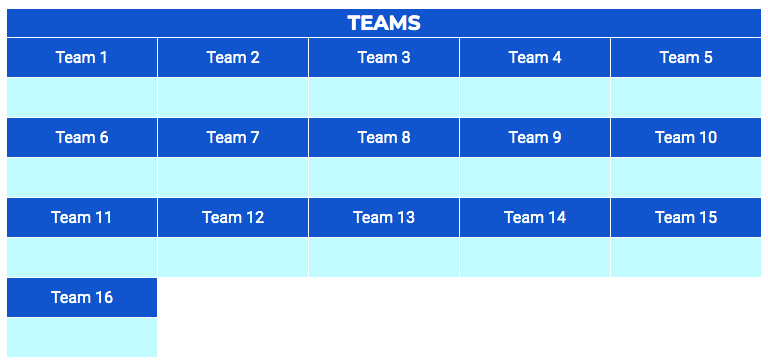
2. Add Your Team Names: Input your participants into the designated sections. The sheet will automatically generate the matchups for you.
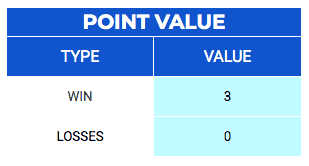
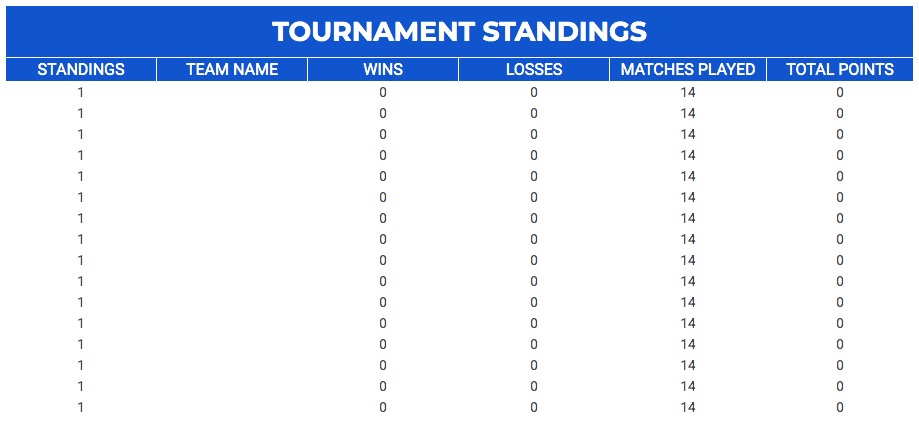
3. Set Your Scoring Rules: Choose your point values for wins and losses. By default, the template uses a standard 3 points for a win and 0 for a loss, but you can fully customize this to your league's needs.
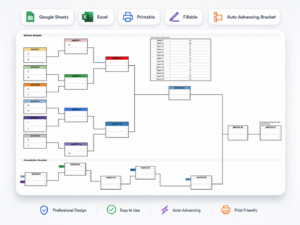
4. Update Match Scores: As matches conclude, enter the set scores. The bracket and standings table will update instantly, calculating points and ranking teams automatically.
Why Choose Our Padel Templates?
- Simple and Intuitive: Forget manual bracket creation. Just enter names and play.
- Professional Design: A clean, modern look ensures players and organizers stay informed.
- Device Compatibility: Works flawlessly on Excel and Google Sheets across desktops, tablets, and phones.
- Scalable: We offer specific templates for various team counts, from 3 up to 16 teams.
Pro Tip: Secure Your Tournament
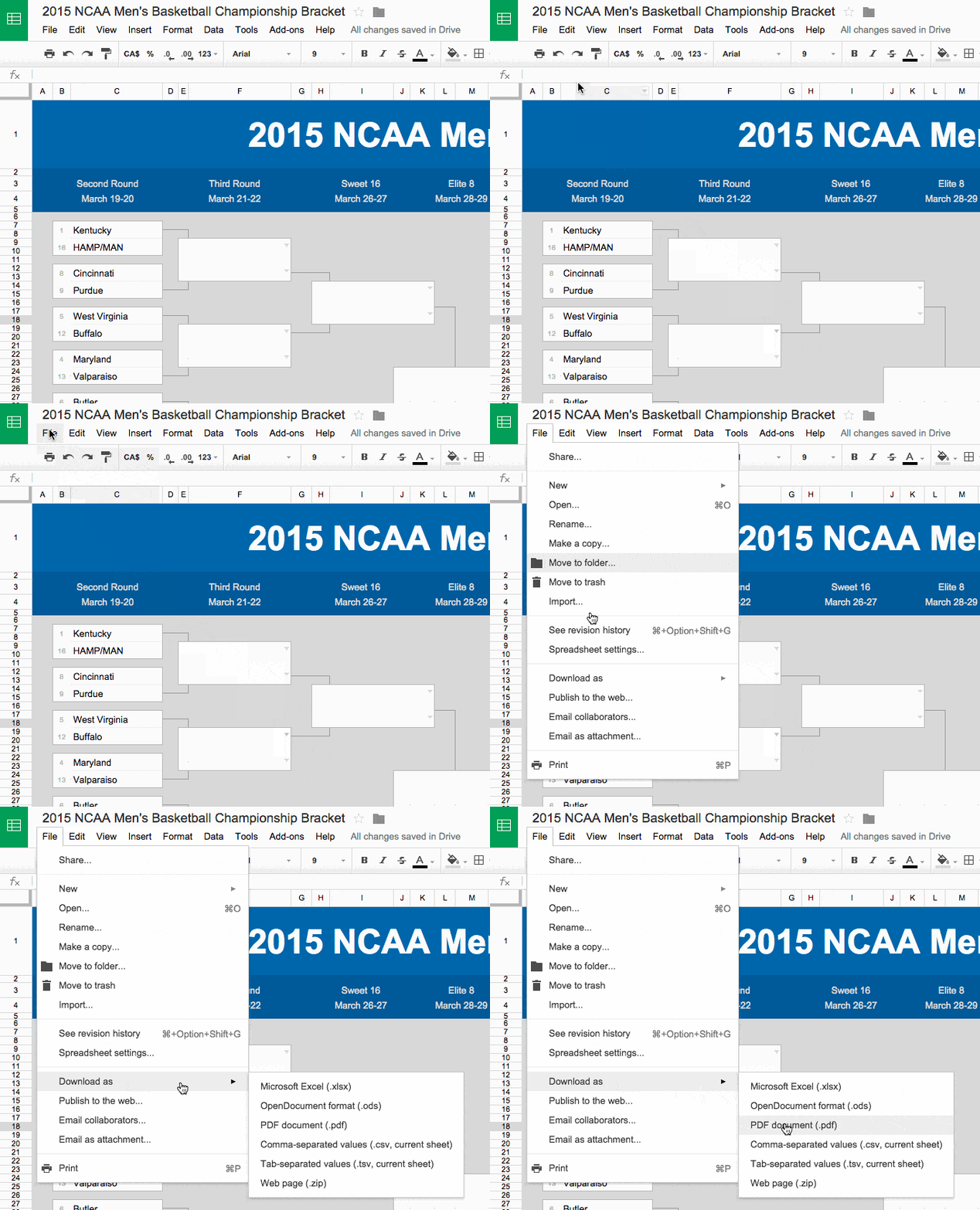
To ensure your final results are saved and easy to share, we recommend exporting your completed sheet as a PDF. In Google Sheets, simply go to File > Download > PDF Document (.pdf). Remember to turn off gridlines before exporting for a crisp, professional finish.
Ready to start? Choose your team size from the download links below and let the padel fever begin!















hello
Hello!
nice
Thanks!
Where do I get it?
Sorry about that! The page should be fixed now.
I am unable to download the 12 team?
Sorry about that, it should be fixed now!